5 Techniques That Will Speed Up Your Old Android Phone in 5 Minutes by 2026
Are you tired of a slow, sluggish, and annoyingly unresponsive Android phone? It’s frustrating when applications take ages to start, and you have to scroll slowly. If you relate to this, there’s nothing to be worried about, because all smartphones slow down eventually.
But there’s no reason for you to spend money on a new phone. You simply need to do a few tricks to make your phone speedy again in mere 5 minutes.
Below we provide you with 5 highly effective techniques, as well as some extra tips to increase the speed of your Android.
Contents
- 1 Reasons Behind Slowing Down of Android Phones
- 2 Step 1: Flush the Cache for Faster Performance
- 3 Step 2: Remove Unused Applications and Unnecessary Files
- 4 Disable Background Applications
- 5 Minimize Animations (Unofficial Speed Up Trick)
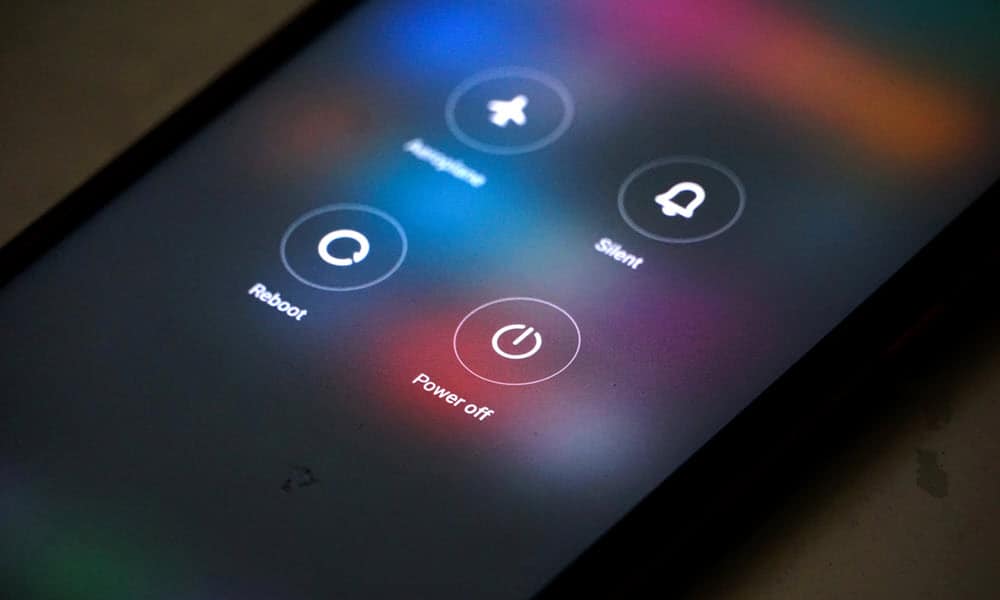
- 6 Reboot Your Phone Periodically
- 7 Common Mistakes You Must Avoid (150 Words)
- 8 Actual Performance Gain (Expectations)
- 9 Conclusion
- 10 Frequently Asked Questions (FAQs)
- 11 Does reduced animation damage the phone?
Reasons Behind Slowing Down of Android Phones
In order to solve this issue, first you need to understand what causes it:
- Overloaded with numerous applications/files
- Unnecessary background apps using RAM
- Accumulation of cache data
- Extensive use of animation effects
- Inadequate storage/battery optimization
Solving these aspects will ensure better performance of your phone.
Step 1: Flush the Cache for Faster Performance
It is true that each application maintains temporary data in the form of cache, which helps in faster loading of apps. However, with time, the amount of cache keeps increasing, ultimately causing your device to slow down.
Steps to Flush Cache:
- Setting → Storage
- Cache data
- Clear cache
Alternatively, for individual applications:
- Settings → Apps → Choose an app → Storage → Clear cache
Note that cache for browsing applications like YouTube, Instagram, etc. gets filled up fast.
Advantages:
- Increase available space
- Make your apps work faster
- Decrease lag right away
This is the fastest method to improve performance within seconds.
Step 2: Remove Unused Applications and Unnecessary Files
Your phone will work slowly if its storage space is close to being full. Most people keep applications that they never use.
What You Need to Do:
- Uninstall unused applications
- Delete redundant photos and videos
- Eliminate big files and unnecessary downloads
Utilize intelligent cleaning software such as Files by Google to remove unnecessary files automatically.
Bonus Tip: Maintain at least 20-25% storage space for smooth operation.
Advantages:
- Faster application loading
- Better system performance
- Increase storage space
Disable Background Applications
Background applications continue to run in the background despite not being used by you, taking up RAM and draining the battery.
Solution:
- Settings > Apps > Running Apps
- Choose non-essential applications and click on Force Stop
Alternatively, disable background usage from the battery section to avoid the automatic restart of applications.
Social media and gaming applications consume the highest amount of resources in the background.
Advantages:
- Releases RAM
- Increases phone performance
- Conserve battery power
Disabling background applications is one of the fastest ways to improve the phone’s performance.
Minimize Animations (Unofficial Speed Up Trick)
Animations appear smooth, but they require processing power, especially when using old devices.
Turn on Developer Mode:
- Settings > About Phone
- Press Build Number 7 times
- Return back and go to Developer Mode
Modify the Following Settings:
- Window Animation Scale -> 0.5x or None
- Transition Animation Scale -> 0.5x or None
- Animator Duration Scale -> 0.5x or None
Advantages:
- Apps launch faster
- Smooth transitions
- Immediate speed up of device
Your phone will become twice as fast immediately.
Reboot Your Phone Periodically
This is the easiest hack—yet most people forget about it.
Reasons for Rebooting:
- RAM is freed
- Background apps are closed
- System is refreshed
Optimal Approach:
- Reboot your device every 2-3 days
Common Mistakes You Must Avoid (150 Words)
There are many mistakes you might make when you are trying to optimize Android phones, unaware that such actions are making your phone even slower. This includes downloading “RAM booster” or cleaning apps, which typically run in the background and do not necessarily help you speed up your Android phone.
Do not try to fill your phone’s storage completely, as using less than 15-20% available space will negatively affect your phone’s performance. Moreover, avoid opening many different applications at once or keeping multiple tabs on, because they use too much of your phone’s memory.
Another mistake is ignoring your phone’s updates since new updates usually improve the performance of the system, adding new features and fixing bugs.
Using live wallpapers and too many widgets also makes your phone use more power. Finally, avoid stopping every single app.
All these mistakes should be avoided for your phone to stay smooth, fast, and efficient.
Actual Performance Gain (Expectations)
Once you perform these basic optimizations, you should experience a significant gain in your phone’s performance. The time taken by apps to load will be decreased; multitasking will work seamlessly, and there will be no lag while scrolling or switching between apps. Removing the cache and freeing up some space from the internal storage instantly speeds up the performance, and killing the background apps enhances RAM efficiency.
Although your phone won’t turn into a brand new phone, these adjustments will definitely help you experience a much faster and smoother performance.
Conclusion
A slow working phone does not necessarily mean that your phone is out of date. It usually means that your smartphone requires several tweaks. Following the listed advice will help you optimize your phone and ensure its smooth operation in no time.
It should be noted that all the listed tricks are simple, easy-to-follow, and fast. The best thing about these tips is their ability to save money and give an opportunity to enjoy using your phone for years. In 2026, optimization is crucial, not upgrading. Try these tricks and see how well they work.
Frequently Asked Questions (FAQs)
Can these hacks actually speed up my phone?
These hacks reduce load on the phone and contribute to better speed and performance.
How often should I delete cache?
Cache deletion once per week or two will be enough to keep your phone working smoothly.
Is it dangerous to stop background apps?
No, but be careful not to stop system applications. Close those applications that you do not need anymore.
Does reduced animation damage the phone?
No, this hack is absolutely safe. It only affects visuals.
Is a third party cleaner app needed?
No. You can easily manage with the built-in options or with apps like Files by Google.
Last Tip: Perform these simple tasks on a weekly basis to ensure your phone stays speedy in 2026.